
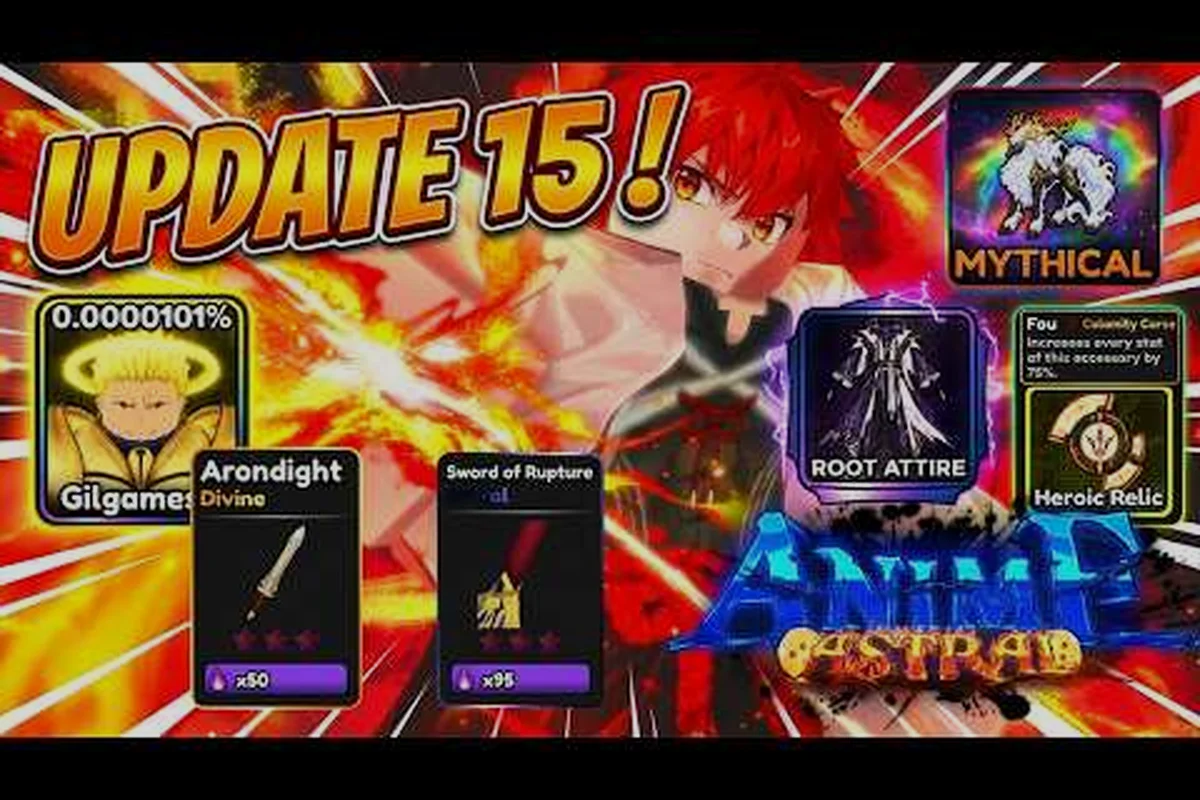
The Anime Astral Simulator StarX Inc update is the single most reliable signal you can watch when a new patch is loading, because the developer group behind Astral Team posts announcements there before the patch notes even reach the in-game banner. Tracking that feed tells you which fighters, worlds, and codes are about to drop — and saves you from wasting boosts on a build that is about to change.
Why the StarX Inc Group Matters for Every Astral Player
StarX Inc is the developer group that owns Astral Team, the small studio credited on the Anime Astral Simulator Roblox page. The group page, found at the StarX Inc community hub, is where Astral Team posts its developer announcements, social updates, and code waves. Every patch you play through started as a post in that group — even if you only ever see the in-game changelog.
Because the group doubles as a social hub, the signal-to-noise ratio is high. A typical wall post on a patch day includes the patch version, the headline feature, a few bullet points on what changed, and a code redeemable for free boosts. Community reports on the update page for Anime Astral Simulator confirm that this pattern has held through Update 9, 9.5, 10, and the more recent 14.5 review pass.
What StarX Inc Actually Controls
-
Patch scope: Every versioned update — including Update 9, Update 10, and the most recent 14.5 public review — is shipped by StarX Inc, not by a third-party publisher.
-
Code drops: Free-boost codes almost always surface in the group wall or its social mirrors before they appear anywhere else.
-
Event timing: Weekend events, login bonuses, and limited-time fighters are announced in the group with a posted start window.
-
Community moderation: Bug reports escalated through the group comments are the fastest path to a hotfix, according to player reports.
If you only follow one source for Anime Astral Simulator news, this is the one. The in-game news tab reposts the same content hours later, and fan pages often paraphrase it after another delay. Catching the post at the source means you get the code first and the meta-shift warning before everyone else.
Anatomy of an Anime Astral Simulator StarX Inc Update Post
A typical StarX Inc wall post on a major patch day follows a recognizable structure. Recognizing the shape helps you skim faster and pull the actionable bits in under a minute. The table below shows the four common slots in a post and what each usually contains, based on community reading of recent updates.
| Post Slot | Typical Content | What You Should Do |
|---|---|---|
| Headline | Patch number + theme (e.g. "Update 10: Primordials") | Note the version for your update log |
| Bullet list | New fighters, passives, world additions, balance changes | Compare to your current team to plan rerolls |
| Code line | Short redeem code for free boosts | Redeem in the codes menu before the timer expires |
| Social mirror link | Discord or X post for full notes | Cross-check for context the wall post skipped |
The headline alone is rarely enough — the bullet list is where the real work happens. Community reports on the most recent 14.5 review pass suggest that even minor wording in the bullet list can hint at a hidden passive or a new world gating condition.
How to Read the Code Line Fast
The code line is the most time-sensitive part of any post. Most StarX Inc codes have a 24 to 72 hour redemption window, with a few event codes lasting longer. Players report that the fastest path is to copy the code from the post title rather than the body, because titles are less likely to contain subtle spacing or punctuation errors that trigger an "invalid code" message. If a code fails, the code rewards page is a good cross-check for known working strings.
Tracking StarX Inc Updates Without Burning Out
Following a developer group wall sounds simple, but Roblox group feeds are noisy. A practical tracker setup uses three checkpoints: the StarX Inc wall, the Astral Team social mirror, and a community aggregator. Each has a different lag, so combining them gives you the full picture without refreshing one feed all day.
| Source | Lag After Announcement | Best Signal For | Reliability |
|---|---|---|---|
| StarX Inc group wall | 0 minutes | Patch headline, code, scope | High (primary) |
| Astral Team Discord mirror | 5–15 minutes | Full notes, dev Q&A | High |
| Community update log | 30 minutes to several hours | Aggregated patch history | Medium |
| In-game news tab | 1–6 hours | Confirmation of a drop you already saw | Low (laggy) |
Most veteran players who track Anime Astral Simulator updates closely only check the wall directly on patch days and rely on the community log the rest of the week. The how often does it update guide is a useful pairing for estimating when the next drop is likely.
A Lightweight Patch-Day Routine
You do not need a multi-tab setup to keep up, because the StarX Inc wall is intentionally front-loaded with the information a returning player actually needs on an Anime Astral Simulator StarX Inc update. The patch post almost always opens with a version tag, a working code block, and a short bullet list of fighter, world gate, or passive changes, which means a single scroll already gives you the trigger conditions for the meta shift before you ever open the Astral Team loadout screen.
-
Open the StarX Inc wall: Scan the latest post for a version number, a code, and one or two bullet points. That is enough to know whether the patch affects your current team.
-
Cross-check with the community log: The Anime Astral Simulator updates index page gives the version history, which helps you confirm you are reading the right post and not a repost.
-
Redeem any new code immediately: Even if you do not know what the boost is yet, redeeming first guarantees you will not miss a short window.
-
Note one change that affects you: Pick the single most relevant bullet — a fighter buff, a world gate change, a passive rework — and decide whether to adjust your team or hold.
This routine scales surprisingly well because the StarX Inc wall is curated by the same team that ships the Anime Astral Simulator StarX Inc update, so the patch post, the version log, and the new code drop land within minutes of each other instead of being scattered across Discord screenshots and reposted tweets. Players who follow it report that they rarely feel blindsided by a meta shift, since the first signal of any change — a fighter stat nudge, a world gate cooldown tweak, or a passive rework tied to an Astral Team synergy — appears on the wall before it reaches tier-list videos or the broader Anime Astral Simulator update tracker, giving returning players roughly a full in-game day to adjust their loadout before lobbies start running the new composition.
Feature, Event, and Code Waves: How StarX Inc Sequences Drops
StarX Inc does not ship every type of content at once. Reading the group feed over several weeks reveals a loose rhythm: a feature update introduces new systems, a follow-up event update exercises those systems, and a code wave rewards players who show up during the event window. The Anime Astral Simulator update tracker is essentially a public log of this rhythm.
| Drop Type | Typical Cadence | Example Content | Player Action |
|---|---|---|---|
| Feature update | Every 4–8 weeks | New world, fighter tier, passive system | Plan a long-term reroll or save |
| Event update | Every 2–4 weeks | Limited fighter, weekend boost, login bonus | Log in during the window |
| Code wave | Weekly to event-tied | Free boosts, cosmetics, reroll tokens | Redeem from the codes menu |
| Balance pass | As needed | Number tuning, bug fixes | Adjust current builds |
Community reports from the September 2026 maintenance pass suggest that the current cycle is leaning toward tighter event updates with code waves attached, rather than a single monolithic drop. If that pattern holds, you should expect the next major content update to land in a similar 4 to 8 week window from the most recent 14.5 review.
Why the Code Wave Timing Matters
Codes are the easiest StarX Inc signal to miss because they expire fast. A player who only checks the wall on patch days will routinely miss 30 to 50 percent of active codes in a given month, based on community estimates. The tier 2 potion code reference is a good example: codes that boost specific resources tend to drop alongside the related content update, then quietly disappear from the active pool within a few days.
What to Do When StarX Inc Goes Quiet
Every long-tenured player has lived through a quiet stretch where the group wall posts nothing new for a week or two. That silence does not mean the game is dead — it usually means Astral Team is between cycles or testing a larger drop. Reading the silence correctly keeps you from over-investing in a build that is about to change.
A short checklist for a quiet week: use the 7-day silence window as a planning trigger, not a panic signal — StarX Inc and the Astral Team typically pause public posts for 5–10 days between major Anime Astral Simulator content update drops, so a single week of empty wall entries is well within normal Anime Astral Simulator update tracker variance. Treat the lull as a resource-conservation phase: resist reroll pulls on rumored fighters, finish off any cheap boost grinds in worlds you have already cleared, and keep an eye on the in-game banner countdown since Astral Team usually flips teaser art 24–48 hours before any Anime Astral Simulator feature update goes live.
-
Confirm it is a real lull: Compare the wall date on the latest post to the date on the community update log. If both are silent for 7+ days, the patch cycle is genuinely paused.
-
Hold major rerolls: Avoid burning a large reroll resource on a borderline fighter when a balance pass could land next week.
-
Spend small boosts only: Use cheap boosts and free tickets on safe grinds, and save the premium boosts for the next confirmed patch.
-
Check the in-game banner: A quietly changed banner art or teaser countdown is often the first sign that a new content update is loading.
Players who track Anime Astral Simulator update patterns this way tend to enter each new patch with more saved resources, which compounds over a season. The explore worlds guide is a useful reference during a lull, because it helps you decide which worlds are worth grinding while you wait.
Reading Astral Team's Social Mirrors for Extra Signal
The StarX Inc wall is the primary signal, but Astral Team also mirrors announcements on Discord and X. The mirror often includes a short developer note explaining the reasoning behind a change — "we saw X fighter dominating the leaderboard, so we tuned Y passive" — which the wall post itself rarely contains. If you want the full intent of a content update, the social mirror is the cheapest place to get it without waiting for a creator breakdown video.
Frequently Asked Questions
Where do I find the official Anime Astral Simulator StarX Inc update announcements?
Head to the StarX Inc Roblox community group (id 33910482) first, where the Astral Team posts every Anime Astral Simulator update ahead of the game page. The Roblox game page and Anime Astral Simulator update trackers then repost the same patch bullet list and codes with a short delay, so cross-check the group wall for the earliest signal.
How often does StarX Inc post a new Anime Astral Simulator update?
StarX Inc ships a major Anime Astral Simulator update roughly every 1–2 months — you can see the cadence in the public numbering, like the September 18, 2026 jump to Update 14.5 / Update 14. Between those major patches, smaller code waves and event tweaks (Mount, GameBoost, or Titan Passive additions) often land weekly through the official StarX Inc group, so check the announcements channel rather than waiting on a big patch.
Do StarX Inc codes always come with a new update?
No, codes and updates ship on independent schedules — a weekend event can post a 5,000-Gem Boost code without any new world, trait, or reroll system, and conversely a major Anime Astral Simulator StarX Inc content update can drop with a blank patch list. Treat each wall post as a separate drop, redeem working codes within their 24–48 hour window, and read the patch bullet list for mechanical shifts even when no redeemable string is attached.
Can I trust third-party Anime Astral Simulator update trackers?
Aggregator sites like the Anime Astral Simulator update tracker are useful for archiving version history and spotting when a StarX Inc content update has gone live, but the StarX Inc community group wall remains the only source where the headline, redeemable code, and full patch bullet list are guaranteed to match the Astral Team's original post at the moment of release — aggregators routinely drop bullet items or stale codes after a hotfix, so use them for confirmation, not discovery.
What should I do right after a new StarX Inc update drops?
Redeem any new code immediately, compare the bullet list to your current team, and decide on one focused change — a reroll, a world shift, or a boost spend — before the meta settles. Spreading your resources across several reactive changes usually underperforms a single decisive one.