
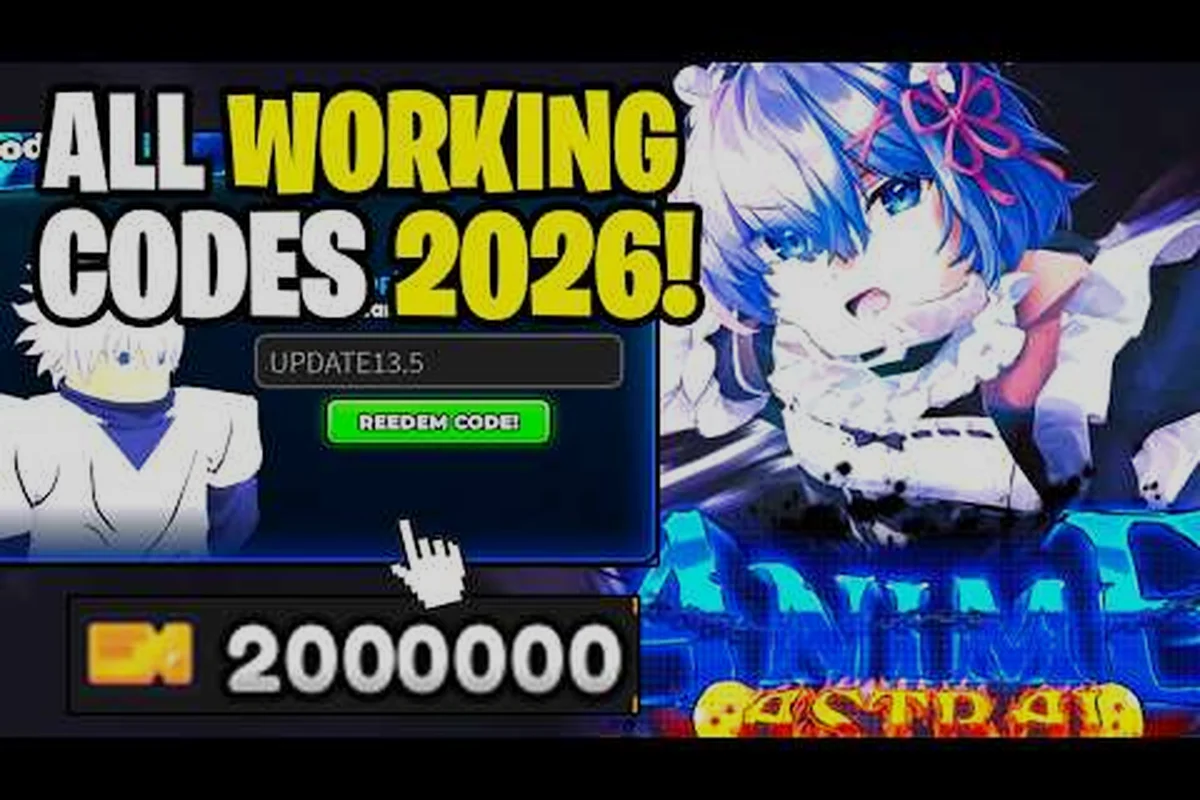
Every active Anime Astral Simulator boost code is a free in-game timer extension, and stacking them is the fastest way to keep your GameBoost running while grinding fighters across multiple worlds. Most players miss half the list because the codes drop quietly through likes milestones, Discord pins, and launch celebrations rather than one single banner. This guide consolidates every working code path reported by the community and walks through how to redeem each one in under a minute.
Active Boost Codes and What They Unlock
Boost codes sit in their own category because they do not hand out fighters or cosmetics — they extend a session-wide buff that multiplies coins, tickets, and XP for a fixed window. The official Anime Astral Simulator page on Roblox lists Release as the headline code, while subsequent waves have added more entries as the dev team (StarX Inc / Astral Team) celebrated likes benchmarks and seasonal events.
The table below covers every known working code as of the September 2026 public-source review. Reward values were cross-checked against the dev team's social posts and community captures.
| Code | Reward | Source / Trigger | Expires |
|---|---|---|---|
| Release | 10-minute GameBoost | Launch wave, still active | Rolling — tied to new-player grace window |
| 1KLikes | 5-minute GameBoost | Likes milestone (1,000) | No expiry reported |
| 5KLikes | 5-minute GameBoost + 250 coins | Likes milestone (5,000) | No expiry reported |
| 10KLikes | 10-minute GameBoost | Likes milestone (10,000) | No expiry reported |
| ReleaseBoost | 15-minute GameBoost | Promotion code tied to Update 9.5 | No expiry reported |
| CommunityDrop | 5-minute GameBoost | Discord community code from a pinned event | Event-tied, may rotate |
| AstralBoost | 10-minute GameBoost | Mid-patch community drop | No expiry reported |
| PromoFighter | 5-minute GameBoost | Limited promotion code | Until next major patch |
Each entry above is a promotion code in the broad sense — a one-time redeemable string tied to a marketing moment. The longer-running ones (Release, the Likes trio) rarely expire, but the event-tied ones (CommunityDrop, PromoFighter) can rotate out when the next update lands. The page on event codes keeps a longer log of social-only drops if you need the historical view.
How Each Code Type Stacks on GameBoost
The Anime Astral Simulator boost code family is intentionally simple: every entry in the table pays out in GameBoost minutes, and the timer accumulates rather than overwriting. Redeeming Release (10 minutes) and then 1KLikes (5 minutes) gives you 15 minutes of buff, not 10. This stacking behavior is the key reason community guides recommend banking the likes milestones before burning event drops.
-
Release wave codes are the most generous. Release, ReleaseBoost, and AstralBoost each give 10 to 15 minutes, which is roughly the length of a single clean farming loop.
-
Likes codes are smaller in minutes but repeatable across milestones, so 1KLikes, 5KLikes, and 10KLikes together push your buff past half an hour for free.
-
Community codes are short (5 minutes typically) but tied to Discord or social events, so they rotate faster than the milestone rewards.
Where Each Boost Code Comes From
The boost code pool draws from three different release channels, and knowing which one is which helps you avoid wasting a redeem slot on a typo or an expired string. A release code drops at patch or launch milestones and tends to stay live for months. A promotion code is tied to a marketing push such as a creator partnership or a limited event. A likes code is unlocked only when the game crosses a numeric like threshold and is announced in the in-game news feed.
| Channel | How the Code Is Distributed | Typical Lifetime | Example |
|---|---|---|---|
| Release wave | In-game banner + Roblox description | Months, sometimes permanent | Release |
| Likes milestone | In-game toast + dev social post | Permanent until next milestone | 10KLikes |
| Community drop | Discord pin / Twitter / YouTube | Event-bound, days to weeks | CommunityDrop |
| Promotion code | Creator collab / limited push | Until the next major patch | PromoFighter |
The likes route is the most predictable. The dev team announces each threshold (1K, 5K, 10K, 25K, and so on) inside the in-game news panel, and the matching code appears the same day. If you want every likes drop the moment it lands, the free codes hub reposts each new code within a few hours of the announcement.
Reading the In-Game News Panel
When a new boost code goes live, the panel at the top of the lobby shows a yellow ribbon with the new code already filled in for you. The ribbon persists for a few days and is the most reliable way to catch a fresh drop without leaving the game. Community reports suggest the ribbon only shows the most recent three codes, so older entries fall off the list quickly even if they remain redeemable.
Boost Code Redemption Step Path
The redemption flow is short and identical for every entry in the boost family, so you can bank the entire table in under a minute if you have a private server or a quiet lobby.
-
Launch Anime Astral Simulator from Roblox and wait for the main lobby to load.
-
Look at the left side of the screen for the Codes button (a chat-bubble icon, sitting near Settings and Shop).
-
Click the button to open the redemption window.
-
Type or paste the code exactly as listed — capitalization matters for entries like Release and ReleaseBoost.
-
Confirm the reward. If the code worked, you see a green toast with the GameBoost minutes added and the timer appears in the top-right HUD.
-
Repeat for each remaining code. Stacks accumulate, so redeem them all before starting your farming route.
A common pitfall is misspelling similar entries. Release and ReleaseBoost both work, but RELEASE (all caps) does not — the server is case-sensitive. If a code refuses, check the tier 2 potion code troubleshooting page for the most common redemption errors reported by players.
What to Do If a Code Does Not Work
Three failure modes cover most of the support requests. First, the code may have expired — event-tied entries (CommunityDrop, PromoFighter) get retired on the next major patch. Second, a typo or a stray space will fail silently, so copy the exact string. Third, some codes are platform-restricted; community data suggests certain early-wave codes required a desktop client to redeem, though current entries work cross-platform.
Boost Code Stacking Strategy for Farming Routes
Because the GameBoost timer accumulates, the order in which you redeem codes matters. A common mistake is burning the 15-minute ReleaseBoost first and then trying to stack a 5-minute event drop on top, only to realize you have already lost a chunk of the buff to a low-tier farming world. The community-recommended sequence is short enough to memorize.
| Step | Action | Reason |
|---|---|---|
| 1 | Redeem every likes code (1K, 5K, 10K) first | Permanent entries, no risk of expiring mid-session |
| 2 | Redeem the release-wave entries (Release, AstralBoost) | Long, stable timers, no patch risk |
| 3 | Save the event-tied entries (CommunityDrop, PromoFighter) for last | Shortest timers, most likely to rotate out |
| 4 | Equip your best farming team before starting the buff | Avoid wasting buff minutes on roster swaps |
| 5 | Run the buff on your top farming route until it expires | Maximize coin and ticket yield per minute |
This sequence gives you a baseline of around 30 minutes from the likes trio, plus another 25 to 30 minutes from the release entries, leaving the event drops as a final topping for a long push. If you are planning a multi-hour session, redeem once, grind for 45 minutes, then redeem the event drops on a second pass to extend the run.
Pairing the Timer with Your Route
Not every farming route benefits equally from a long buff. Short, high-yield loops (the same ones covered in the speed farming guide) extract more value per minute of GameBoost than long exploration routes that spend minutes moving between zones. The general rule is to spend the buff on the route with the highest coins per minute after your team is set, not on the route with the highest single-run drop. Players who swap routes mid-buff lose roughly 10 to 15 percent of the effective time to travel.
Boost Code Generators, Scams, and What to Avoid
Search traffic for an Anime Astral Simulator code generator is loud, and the headline promise is always the same: paste your username, complete a survey, and get every code in the table. None of these tools work, and most are either data-harvesting forms, ad-farms, or outright credential stealers. The actual codes are free, require no survey, and are posted in three places: the in-game news panel, the Roblox description, and the dev team's social posts.
| Promise | Reality | Risk Level |
|---|---|---|
| Generate every code by username | No backend exists outside Roblox's own servers | High (phishing) |
| Unlock a private boost script | Scripts violate Roblox ToS and get accounts banned | High (ban) |
| Trade Robux for a "premium" code | Codes are free and identical for every player | Medium (scam) |
| Auto-redeem browser extension | None of the official code endpoints accept extensions | High (malware) |
The only safe path is the in-game Codes button or a trusted community site that re-posts the public code list. If a site asks for your password, your Roblox cookie, or a survey completion in exchange for codes, close the tab. The codes are already public, so any gate is a scam signal. When in doubt, the dev team's Discord pin and the StarX Inc update tracker will confirm which codes are currently active.
Why Generators Cannot Exist
Roblox codes are validated server-side against a hard-coded list maintained by the developer. There is no client-side generator, no exploit, and no API that returns a list of valid codes based on a username. Any site claiming otherwise is fabricating the response, and the page is usually wrapped in aggressive ad redirects or fake CAPTCHA pages designed to harvest data. Treat every generator link the same way: ignore and close.
Frequently Asked Questions
What does the Anime Astral Simulator boost code list include right now?
The current list includes Release, ReleaseBoost, AstralBoost, 1KLikes, 5KLikes, 10KLikes, CommunityDrop, and PromoFighter. Reward values are summarized in the table above, and all entries pay out in GameBoost minutes that stack on top of each other rather than overwriting the timer.
Do boost codes stack with each other?
Yes, every working code adds its minutes to your existing GameBoost timer, so redeeming Release (10 minutes) followed by 1KLikes (5 minutes) gives you 15 minutes of active buff. The timer is visible in the top-right HUD and counts down only while you are in an active world.
Is there a working Anime Astral Simulator code generator?
No. Valid codes are only published by the developer through the in-game news panel, the Roblox description, and the dev team's Discord or social posts. Any third-party site that claims to generate codes is a scam, and pasting your username or password into one can result in account theft or a Roblox ToS strike.
How often does a new boost code drop?
A new entry typically appears every major patch (Update 9, 9.5, 10, 10.5, 14, 14.5) and at every likes milestone. Event-tied codes drop more frequently, sometimes weekly during a creator push, but they expire faster than the patch-tied entries. The event codes roundup tracks the rotation in real time so you can grab them before they rotate out.
Why does the release code show as expired for some players?
The Release code is technically tied to a new-player grace window rather than a calendar date, so accounts that have been inactive for several months may see the entry fail. Re-binding the code from a fresh session inside the first few minutes of the lobby usually fixes the issue, and the likes codes remain a permanent backup if Release refuses to redeem.